
Funding
We kindly ask you to take a few minutes to read the Important Information before starting an online application for funding. Failure to read this may result in a delay to your application.
OETT funding amounts can vary between 10% and 100%. Please note that previous funding of events does not guarantee funding in the future as this can depend on a number of factors including the type of event/course, the number of applicants applying for a specific event/course in any given financial year, and the amount of funding available to everyone at the time as the OETT funds are limited.
Correspondence
OETT aim to respond to new online applications by email within 5 working days with an application confirmation email to advise receipt of your application. If you have not received a confirmation email within 10 working days, please check your Junk/Spam folders first and then email to advise that you have not received your application confirmation email.
Please ensure that you have included your contact email address on your application to receive updates (ideally your personal email, unless you have access to your work emails outside of working hours). Occasionally, our emails don’t arrive at your Inbox, please check your Junk/Spam folders if you are expecting emails from OETT.
- Correspondence emails will always come from admin@oett.org.uk
- Please ensure that you have this email address in your Contacts to avoid delays
- BAPO provide a designated administrator to process OETT applications
How to Apply
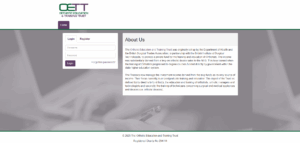
If you are new to the OETT online funding application website, you will need to register to create an account by using this link: https://my.oett.org.uk/
Once you have registered and created an account, you can then login.
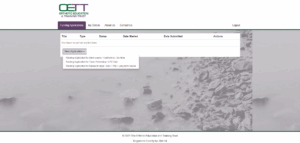
You will be taken to your dashboard. To create your first application, simply click the New Application button and select the type of application.
Your application will appear on the dashboard and you can then use the “Actions” button to manage it.
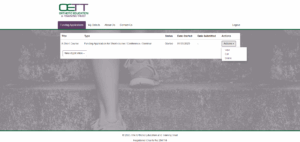
- View – allows you to view the application in a printable format
- Edit – allows you to edit the contents of your application
- Delete – allows you to delete your application (Please note: Deleting of applications cannot be undone)